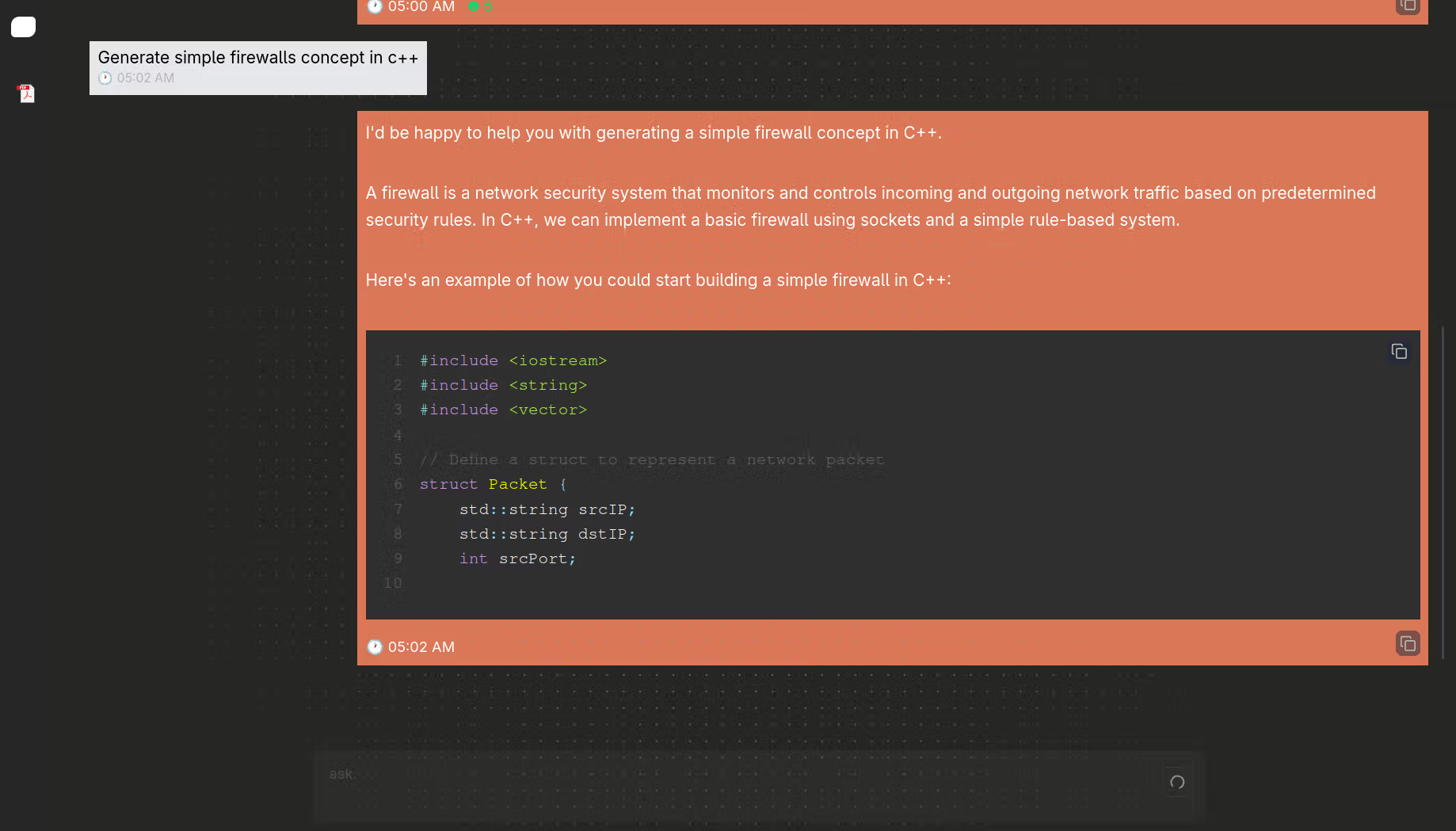
Chroma DB is a RAG-based chat API using FastAPI, Chroma, and LLaMA 3 via Ollama. It loads, splits, embeds data, and answers queries with contextual LLM output.
What is RAG?
RAG (Retrieval-Augmented Generation) is a technique that enhances the capabilities of language models by combining information retrieval with text generation. Instead of relying solely on what the model has memorized during training, RAG allows the model to access external sources of information—like documents, databases, or knowledge bases—at runtime.
The process works in two main steps:
Retrieval: When a user asks a question, the system searches a collection of documents (often stored as vector embeddings) to find the most relevant passages based on semantic similarity.
Augmented Generation: These retrieved passages are then combined with the user’s original query and fed into a language model (like GPT or LLaMA). The model uses both the question and the retrieved context to generate a more accurate and informed answer.
How it works:
Input query → "What is quantum computing?"
Retrieve relevant context → Search documents (e.g., using vector embeddings) to find top-k passages.
Augment the prompt → Add retrieved passages to the query.
Generate → Use an LLM (e.g., GPT) to answer using both the query and retrieved context.
What is this program?
In this project, there's no need for API keys or paid services. Everything runs locally. All you need is to have Ollama installed (to run LLaMA 3 or any compatible model) and , which is used to store embedding vectors locally on your machine. That’s it — no external dependencies, no cloud setup, just a simple and self-contained RAG system.
ChromaDB
This project allows you to upload a PDF, CSV, JSON, or even a webpage URL, then chat with the content you uploaded. It uses local embedding and retrieval to understand your data, letting you ask questions and receive context-aware answers — all without needing internet access or API keys.
Important note
Before you start, be aware that Ollama requires a fair amount of system resources, especially for running large language models like llama3. In this project, we use:
EMBED_MODEL = "nomic-embed-text"
MODEL = "llama3"
Make sure your machine has enough RAM and CPU/GPU capacity to handle model loading and inference smoothly. you can change the model from utility.config.py
Install Ollama
Loading code block...
Back-end flow
Here's the revised blog section without emojis or tables, written in a clean paragraph style:
How Documents Are Ingested
When you upload a document such as a PDF, CSV, JSON, TXT file, or even provide a webpage URL, the system processes it through a four-step pipeline to make it ready for chat interactions.
1. Load the Document
The system starts by detecting the file type using a utility function. Based on the extension or URL, it selects the appropriate loader. For PDFs, it uses PyPDFLoader; for CSV files, CSVLoader; for JSON, JSONLoader; for text and markdown files, TextLoader; and for web pages, UnstructuredLoader. These loaders extract the content and basic metadata, returning it as a list of Document objects.
2. Split the Content
Once the document is loaded, it is split into smaller chunks for more efficient embedding and semantic retrieval. This is important because large documents cannot be embedded or searched effectively as a whole. Different file types use different splitting strategies: RecursiveJsonSplitter is used for structured JSON files, CharacterTextSplitter for CSV files, and RecursiveCharacterTextSplitter for text-heavy files like PDFs, text documents, and web content.
3. Assign Unique IDs
Each chunk is given a unique ID using a combination of its source, page number, and chunk index. This helps track which document and location the generated response is referencing. The metadata is also cleaned to ensure compatibility with ChromaDB, converting non-standard types to strings.
4. Store in ChromaDB
After assigning IDs, the chunks are embedded using the model specified (nomic-embed-text in this case). The resulting vectors are then stored in ChromaDB. If a collection for the document source already exists, it will be updated with any new chunks that were not previously stored. Otherwise, a new collection is created with relevant metadata such as file type and creation timestamp.
API Endpoints
1. POST /chat/new-chat/
Description: Creates a new chat session by uploading and ingesting a file or URL into ChromaDB.
Request Body:
Loading code block...
Process:
Detects the file type (PDF, CSV, JSON, TXT, or URL).
Loads the content using the appropriate loader.
Splits it into chunks.
Assigns unique IDs.
Embeds and stores the content in ChromaDB under a new or existing collection.
Response:
"collection_name"
2. POST /chat/message/{id}
Description: Asks a question to a specific chat session (document collection).
Path Parameter:
id: The collection name (usually derived from the source file or URL)
Request Body:
Loading code block...
Process:
Retrieves top relevant chunks from the collection.
Builds a prompt with context and chat history.
Sends it to the LLM (LLaMA 3 via Ollama).
Streams the generated response back.
Response: StreamingResponse with the model's reply and a list of source IDs used.
3. GET /chat/all-chats
Description: Returns a list of all stored chat collections (document sessions).
Response:
Loading code block...
4. DELETE /chat/{id}
Description: Deletes a document collection from ChromaDB.
Path Parameter:
id: The name of the collection to delete
Response:
"Deleted"
This set of endpoints forms the complete interface for uploading, querying, listing, and deleting document-backed chat sessions. Everything runs locally with no need for API keys or third-party services.
Project Structure
Loading code block...
chroma/
This folder contains the vector database data generated by ChromaDB. Each subfolder (with UUID-like names) represents a separate collection, and chroma.sqlite3 is the internal SQLite file used by Chroma to store metadata.
data/
This folder stores uploaded source documents, like:
[MS-SAMR]-240129.pdf
Introduction-cyber-security.pdf
These are the actual input files ingested and chunked into the database.
routes/
Handles the FastAPI routing layer.
chat.py: Defines API endpoints such as /new-chat/, /message/{id}, /all-chats, and /delete/{id}.
services/
Holds the core logic and processing classes.
Ask.py: Handles querying ChromaDB and generating answers from the LLM.
DocumentIngestor.py: Responsible for loading, splitting, embedding, and storing documents into ChromaDB.
utility/
Contains shared helper functions, config, and integrations.
ask_cache.py: Caches ASK instances to avoid re-initialization.
check_resource_exists.py: Validates whether a given file or resource path exists.
config.py: Stores constants like model names (llama3) and embedding configs.
db.py: Initializes and manages the connection to ChromaDB.
embedding.py: Wraps the embedding logic using nomic-embed-text.
get_collection_name.py: Derives a unique collection name from file paths or URLs.
get_extension.py: Determines the file extension or resource type (e.g., pdf, json, url).